
Batteries & Charger Cables Care and Cleaning: A Complete Shopping-Decision Guide for Intimate Wellness Devices
If you’ve purchased a rechargeable intimate wellness device and noticed fraying on the USB cable, swelling on the battery indicator, or a charging port that no longer seats cleanly, you’re not alone. Caring for the batteries & charger cables care and cleaning routines of these products is one of the most overlooked aspects of device ownership. Most users focus on the device body itself and neglect the power delivery system that actually keeps everything functional and safe.
This guide is written for first-time and experienced buyers who want to extend the lifespan of their devices, avoid safety risks, and make smarter purchasing decisions when it comes to replacement cables, backup batteries, and compatible charging accessories. Whether you’re managing a single personal massager or a small collection of wellness tools, understanding how to maintain the “plumbing” behind the device will save you money, frustration, and potential hazards. XNXXMALL, a trusted retailer in the intimate wellness space, carries a curated selection of devices and replacement power accessories, and this article draws on their product philosophy to help you decide what to buy and how to look after it.
What Makes a Good One: 5 Buying Factors
When you’re shopping for a replacement charging cable, a battery pack upgrade, or a multi-device charging dock, five factors should drive your decision:
1. Connector compatibility and gauge. Confirm whether your device uses USB-C, micro-USB, or a proprietary barrel plug. A cable rated below 2 A for a device that draws 2.1 A will charge slowly and generate excess heat.
2. Battery chemistry and cell count. Most intimate wellness devices use 3.7 V lithium-polymer cells. If you’re buying a spare battery, verify the voltage, capacity (in mAh), and cell layout match the original. Mismatched cells can trip the protection circuit.
3. Cable jacket material. PVC, TPU, and nylon-wrapped sheaths all age differently. Nylon and TPU resist kinking and UV degradation better than thin PVC, which can become brittle within 18 months.
4. Strain relief and bend radius. A quality cable has a molded or wrapped strain relief at both ends. Without it, the internal copper wires fatigue at the first bend point and the connection drops.
5. Charger IC and safety certifications. Look for a cable or dock that incorporates a charge controller chip (CC/CV profile) and carries CE, FCC, or UL marks. A cheap cable with no IC can over-voltage a lithium cell and create a fire risk.
Materials & Build Compared
| Material / Build | Pros | Cons |
|—|—|—|
| Lithium-polymer battery (3.7 V, 400–800 mAh) | Light, compact, long cycle life (500+ cycles) | Swells if charged above 4.2 V; must not be punctured |
| Nickel-metal-hydride (NiMH) backup pack | Cheaper, easier to source | Heavier, shorter runtime, self-discharges |
| TPE/TPU USB-C cable (braided nylon outer) | Durable, tangle-resistant, fast-charge capable | Premium price; braided sheath can collect lint |
| PVC-jacketed micro-USB cable | Inexpensive, widely available | Cracks after 1–2 years of bending; not fast-charge rated |
| Multi-port USB dock (60 W PD) | Charges 2–3 devices simultaneously; smart current negotiation | Bulky; overkill for a single 1 W massager |
The honest takeaway: there is no single “best” cable. A 1 m TPU-braided USB-C cable with a 3 A rating covers the majority of contemporary intimate wellness devices. NiMH packs are fine for budget gadgets that draw under 500 mA. If your device shipped with a proprietary barrel plug, a universal “jig” cable with interchangeable tips is the most flexible option, though you should verify the tip’s current rating matches.
Real Users, Real Stories
Anonymous first-time-buyer case study (shared with consent via XNXXMALL community forum):
> “I bought a rechargeable personal massager last spring. By August the included cable started sparking at the plug end, and the battery wouldn’t hold more than 40 % charge. I panicked because I didn’t know if I should replace just the cable, just the battery, or the whole unit. I called XNXXMALL support, and they walked me through checking the connector seating, running a multimeter across the pack, and cleaning the USB-C port with a compressed-air can. Turns out corrosion in the port was creating resistance. A $12 TPU replacement cable and a 30-second isopropyl wipe on the contacts fixed everything. The battery was fine the whole time.”
The lesson: before assuming a component is dead, isolate the variable. Most “battery” failures are actually cable or connector issues that a basic cleaning routine can resolve.
Myth vs Fact
Myth 1: “You should always fully discharge a lithium battery before recharging to ‘calibrate’ it.”
Fact: Modern lithium-polymer cells with built-in protection circuits do not suffer from “memory effect.” Deep-discharging below 20 % on a regular schedule actually shortens cycle life. Charge when you reach roughly 20–30 % and unplug around 80–90 % for optimal longevity.
Myth 2: “Cleaning a charging cable just means wiping it with a wet cloth.”
Fact: Water or alcohol that seeps into the plug’s metal shell can corrode the contacts and compromise insulation. The correct method is to use a dry microfiber cloth on the jacket, a small amount of 90 % isopropyl alcohol on a lint-free swab for the metal pins, and compressed air to dislodge debris from the port. Never submerge the plug or cable in liquid.
A Typical First-Time Conversation
Setting: A new buyer, “Jordan,” messages XNXXMALL’s chat support.
Jordan: Hi — I just ordered the 3.7 V 600 mAh spare battery pack and a TPU USB-C cable for my device. How should I prep the battery before first use?
Support: Great question. The pack ships at 40 % charge for transport safety. Before first use, let it sit at room temperature for 30 minutes, then plug in the new cable and charge to 100 %. Do a full cycle (discharge to ~20 %, recharge) once so the BMS calibrates its fuel gauge.
Jordan: Got it. And the cable — should I wrap it tight after charging?
Support: Coil it loosely in a figure-eight or a cable velcro tie. Avoid hairpin bends under 25 mm radius. Store the coil in a breathable cotton pouch away from direct sunlight. That’ll keep the copper strands happy for years.
Jordan: Perfect. Thanks for the clarity.
How to Choose
Recommended Products
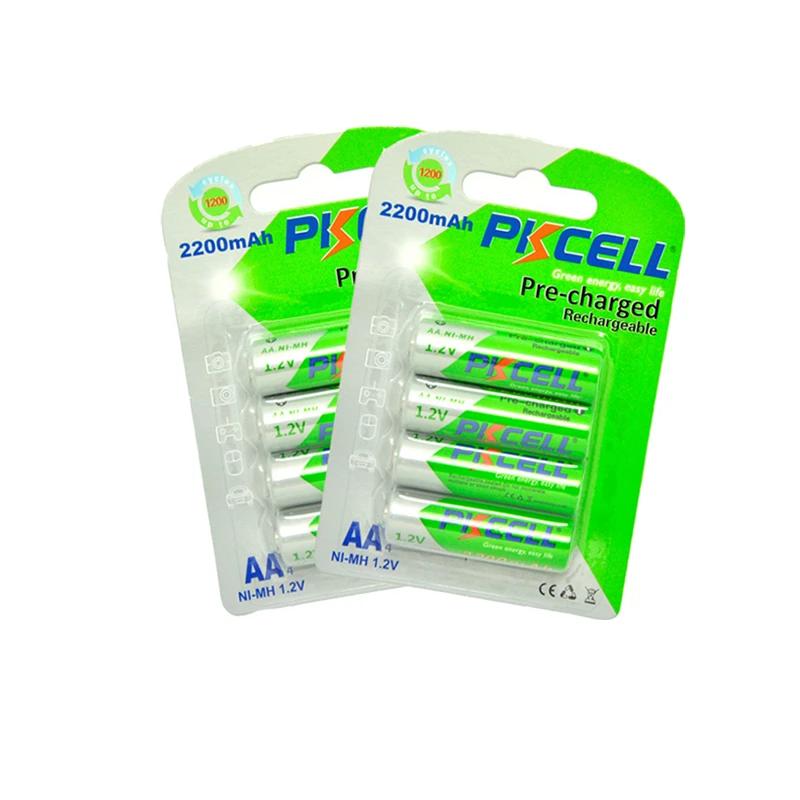
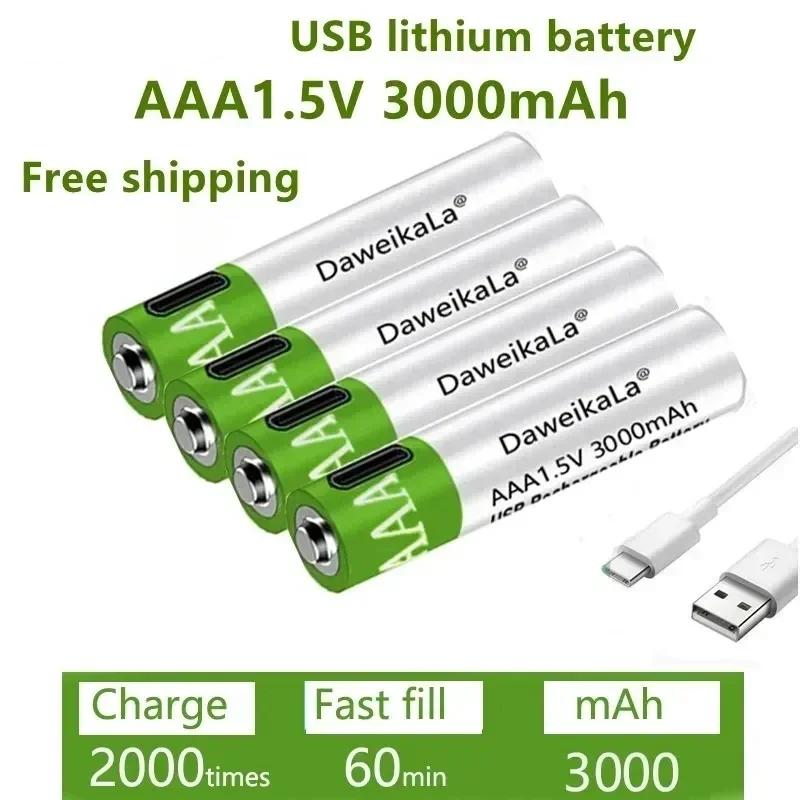
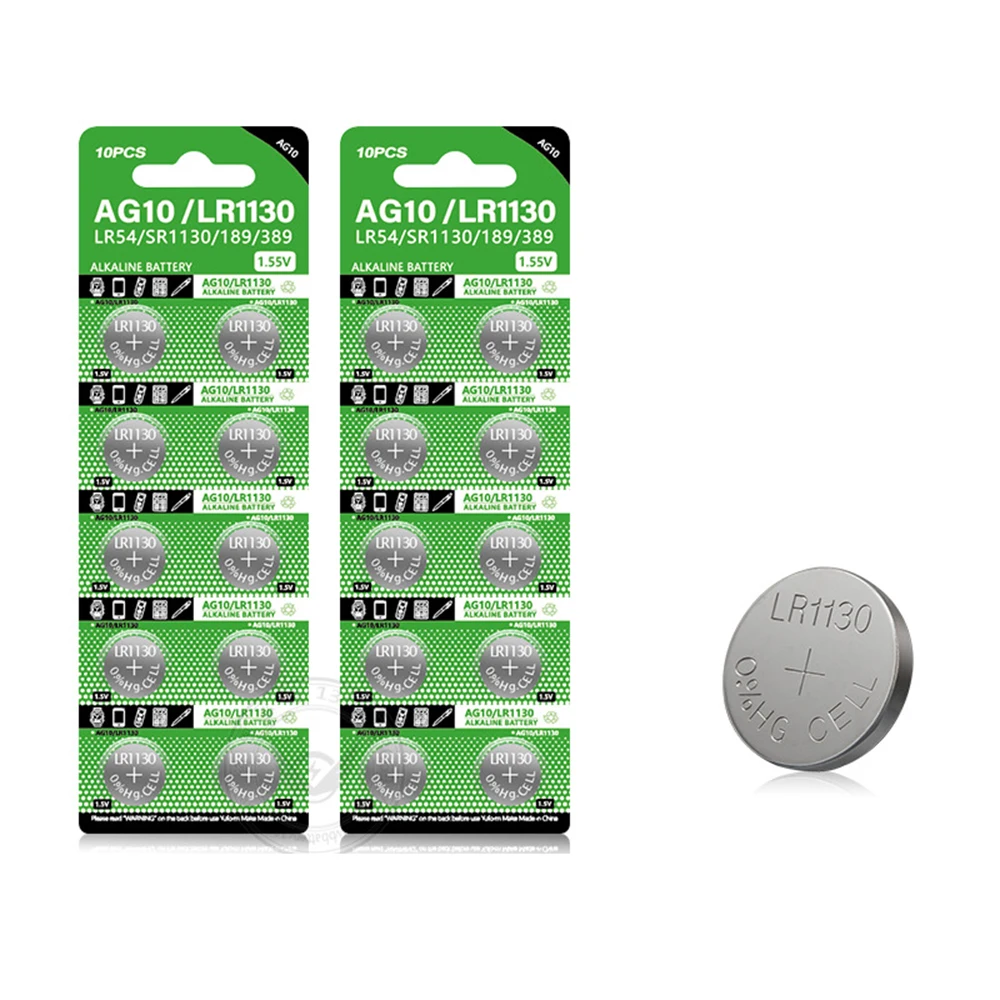

Recommended Products
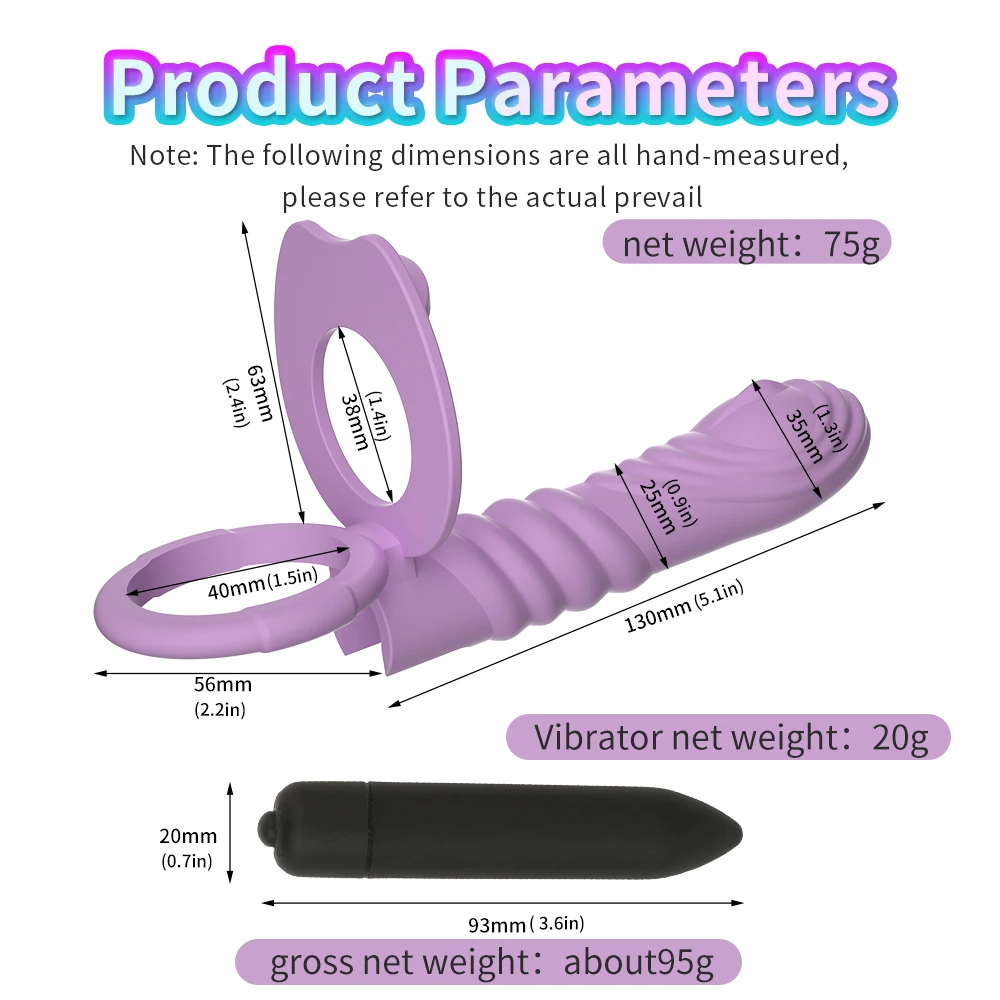

Match your purchase to three variables: device power draw, usage frequency, and environment.
- Low draw (under 300 mA) / weekly use: a stock micro-USB cable and the OEM battery are sufficient; buy a backup battery only if you travel.
- Mid draw (300–800 mA) / several times a week: invest in a 100 cm TPU-braided USB-C cable with a 3 A rating. Keep one spare.
- High draw (800 mA–1 A) / daily use or multiple devices: a 60 W PD multi-port dock and a spare lithium-polymer pack with matched BMS are worthwhile.
When in doubt, check the device’s spec sheet (usually printed inside the box) for exact voltage and amperage, then size your accessories accordingly. XNXXMALL lists compatibility notes on every cable and battery product page to remove guesswork.
Safety & Care
Treat your power accessories with the same hygiene standard as the device body. Always use a water-based lubricant with silicone products—silicone-based lubricants can degrade TPU and PVC cable jackets and leave a sticky residue that attracts dust into charging ports. Clean before and after each use with mild soap and warm water, focusing on the device’s charging port; use a dry microfiber for the cable jacket. Store the cable and any spare battery in a breathable pouch (cotton or uncoated mesh) in a cool, dry drawer. Avoid leaving a lithium battery in a hot car or near a radiator. Finally, respect age verification and local regulations: intimate wellness devices are adult products, and XNXXMALL enforces ID checks at purchase and restricts battery shipments to certain regions per IATA guidelines.
Top Recommendations
- Daily-driver cable: 1 m braided TPU USB-C, 3 A, with molded strain relief. (XNXXMALL “Endura-C” series)
- Travel backup: 0.5 m silicon-jacketed micro-USB for older device models.
- Spare battery: OEM-spec 3.7 V 600 mAh lithium-polymer with BMS protection; always buy from the device manufacturer or a verified XNXXMALL listing to ensure cell matching.
- Multi-device dock: 60 W USB-C PD, 3-port, with per-port current negotiation for anyone running two or more devices.
Worth It or Not? (Honest Verdict by Budget)
- Under $15: A single replacement cable is almost always worth it versus opening a sealed device and risking the internal board. Skip “universal” no-name packs; the BMS may not match.
- $15–$40: The sweet spot. One quality TPU cable plus one OEM-matched spare battery. This combination typically adds 18–24 months of trouble-free use.
- $40–$80: A multi-port dock and two spare batteries. Makes sense only if you genuinely run three or more devices in rotation; otherwise the dock sits idle.
- Over $80: Diminishing returns for a single-user household. Redirect that budget to a higher-quality device body instead.
Frequently Asked Questions
: How do I know if my charger cable needs replacing for batteries & charger cables care and cleaning?
Check for exposed copper, a frayed jacket, or a plug that no longer clicks firmly. If the device charges intermittently or the cable is warm to the touch mid-charge, replace it immediately.
: Can I use any USB-C cable for batteries & charger cables care and cleaning purposes, or do I need a specific amperage?
You need a cable rated at or above your device’s draw. A 1 A phone cable will work but charge slowly; a 3 A cable is the safer default. Never use a cable with a lower current rating for sustained charging.
: What’s the best routine for batteries & charger cables care and cleaning before storage?
Charge the battery to 50–60 %, wipe the port with a dry swab, coil the cable loosely, and place both in a breathable pouch at room temperature. Avoid 100 % or 0 % states during long storage.
: Are spare lithium batteries for intimate devices safe to mail via postal service?
Lithium cells above 100 Wh are restricted under IATA rules. Most intimate-device packs are 10–15 Wh and shipable, but always check carrier guidelines and XNXXMALL’s shipping policy before ordering.
: Does cleaning the cable affect the wireless-charging pad alongside batteries & charger cables care and cleaning?
Yes—use only a damp (not wet) microfiber on pad surfaces, and keep the cable’s coil away from the pad to avoid magnetic interference with any Qi-compatible models.
Final Thoughts
Caring for the small components that power your intimate wellness devices is an act of self-respect and practical safety. A five-minute cleaning ritual, a properly rated cable, and a matched spare battery will keep your investment running for years rather than months. XNXXMALL stocks vetted cables, OEM-matched batteries, and docks with clear compatibility notes, so you can shop with confidence and avoid the guesswork that leads to short-circuited ports and swollen cells.
For broader sexual-health context—including how device hygiene intersects with pelvic-floor wellness, when to see a clinician, and evidence-based self-care routines—Mayo Clinic maintains an excellent, non-commercial resource: [https://www.mayoclinic.org/healthy-lifestyle/sexual-health](https://www.mayoclinic.org/healthy-lifestyle/sexual-health).
When you’re ready to refresh your accessories or browse compatible devices, head over to XNXXMALL, filter by your connector type and battery voltage, and let the product-page specs do the heavy lifting. Small maintenance habits today mean a device that still feels new a year from now.
 No products in the cart.